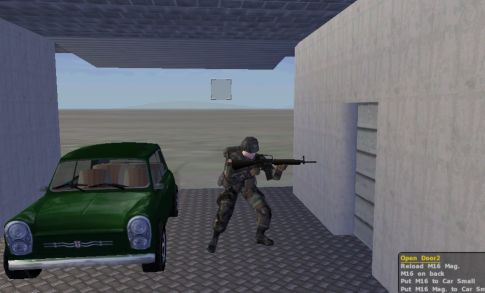
The garrage can fit a small car with no problem. Notice the Door2 action appearing on the menu.
Walk up to the console and try the garrage and switch animation to see if they work ok. Then make sure the side door works and that the fake linear animation trick works nice. Also, the radar should be spinning strait away. If all that seems ok, then congratulations :). If one of more of the doors seem to rotate wrong (maybe the side_door sliding the other direction), then go back in the p3d and reverse the axis (or switch the +/- signs in front of the angle1 setting for the offending animation)
The garrage can fit a small car with no problem. Notice the Door2 action appearing on the menu.
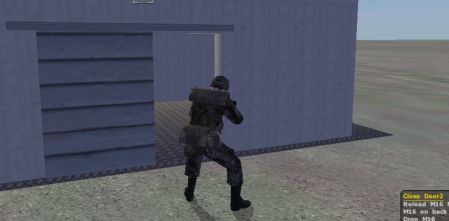
The side door "fake" linear effect seems to be working ok.
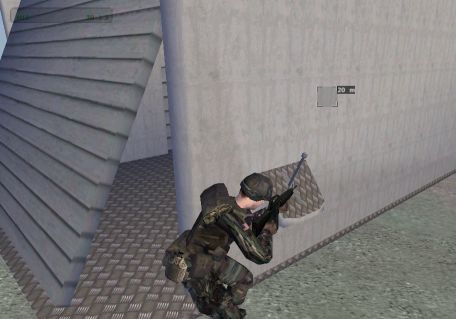
..and the door moves then you pull the switch as it should do. Nice :)
Well, hope you liked the tutorial. You can get the final working PBO here. Look at it if you got trouble. If all fails or you have further questions, dont hesitate to mail me at brsseb@hotmail.com
Cheers!