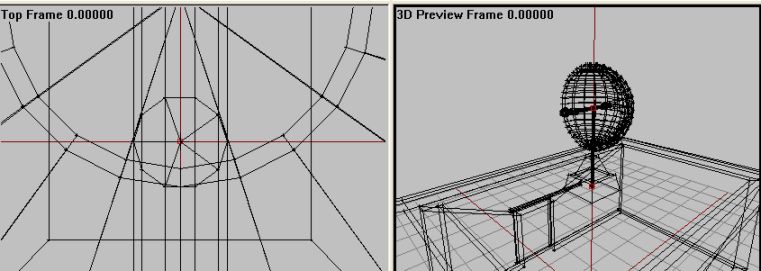
Select the two vertrices that define the centerline of the cylinder.
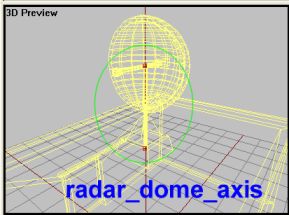
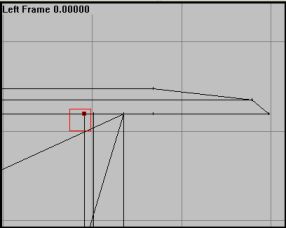
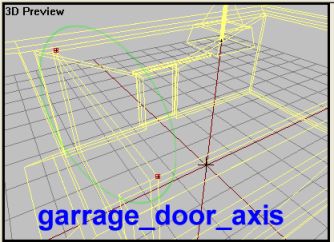
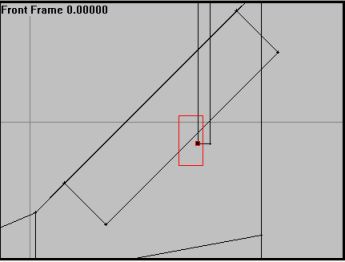
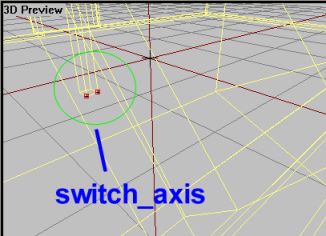
Lets go:
Ok, thats 3 of 4. The last one is easy to make but can be tricky to configure. So far we have created axises that makes an object rotate around it. All the stuff we have made so far are for either doors that swing open, a switch that flips and a spinning radar structure. All those are rotating objects in one way or the other. But what if we want a structure to slide, like a side door on a Huey, car or doorway?
Well, the thruth is that you cant. OFP does only rotations, its a silly engine limit. But we can fake it to some degree. What if we place the axis faaaaaaaarrrr away from the actual door structure. And let it rotate only a small degree? Done right, and given that the door structure isnt too big, it might just look like the door slides linearly without rotating! See this illustration:
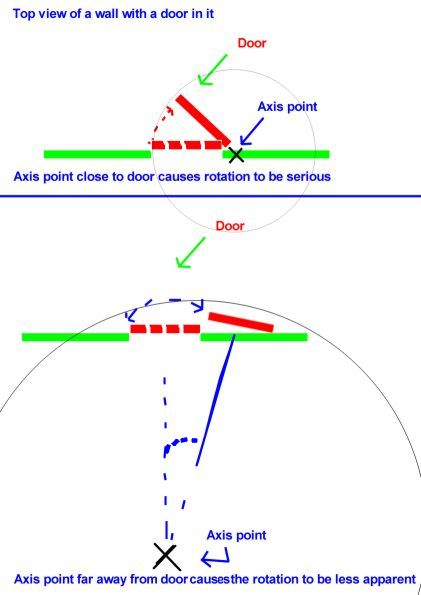
(But-ugly :) ) Drawing explaining how having the axispoint farther away from the door "hides" the rotation somewhat and create the illusion of the door sliding left of right instead of rotating around a distant fixed point.
This is the main trick used to create sliding doors in ofp and it works quite well in most cases. Problem is that the larger the door is (say a hangardoor), the more movement is needed to open the door (larger angle) and the more apparent the rotating effect will be. A trick would be to split the door into smaller doors and have them rotate seperatly, but it can be tricky to pull off.
For out sliding door, which is quite small, we wont have much problem. Figuring out a good location for the axis AND tuning the right rotationangle (more on that in the configfile in the end) is the main problem getting this trick to work. Thankfully for you I`ve already found a good spot for it :).
Lets rock:
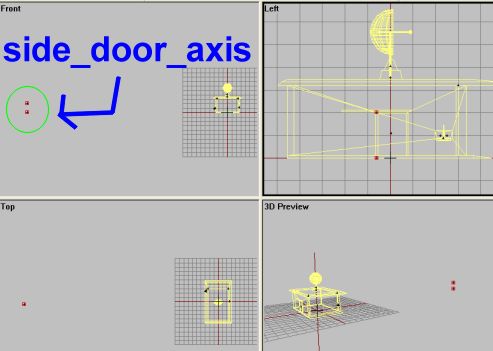
Now if you understod the trick, you will know see we got an axis far away from the model and by letting the door move just a small degree, it will look like its sliding, and not rotating. The goal is to have the door slide along the door rail.
You gotta watch out for some issues when making an axis. If any of the doors seems to rotate the OPPOSITE direction then you compile the addon (dont do that yet, still some more stuff do to), then you gotta go back in o2 and reverse the axis, either by selecting it and hitting W or by swapping the vertrice positions of an axis. I talked about this in lesson 6, and you should already know this.
Also, one thing that might cause trouble when doing your own "fake" linear animation is to not be tempted to move the axis too far away from the model. The OFP engine has a limit in how big a p3d model is allowed to be, and dragging the axis too far may result in either non-working animations OR OFP might crash to desktop on startup. So watch out (if someone knows the EXCACT limit in meters, drop me a mail).
The last thing we gotta do is create some single vertrices in various places to be used as trigger points for the action menu items (more on that in the configfile section). We need to place two vertrices, one near the side door and one near the switch. Lets go:
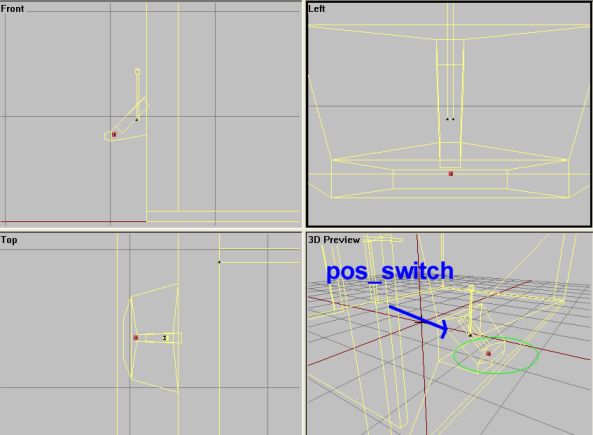
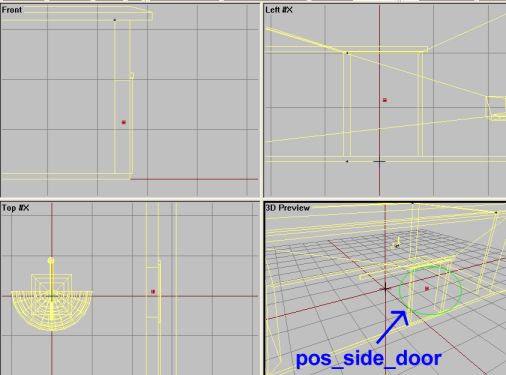
I`ll talk more about the points later. Now we are done with the p3d, so before we move on to the configfile and compiling the addon, make sure you have done all the steps right and that you got no typos in the labels.