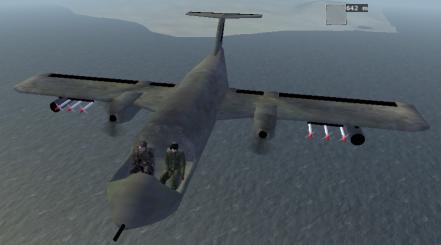
The result. The the final PBO file here
Check out the model ingame (Under West->My Armed plane) and make sure everything works as planned. Any trouble, look back at the tutorial and see if you missed out on something. You can also download the final PBO, open it and compare it to your project.
The result. The the final PBO file
here
Well, there you go. The long-awaited rocket tutorial. Hopefully you have learned something and can start adding weapons to your vehicles. Remember there is still much to learn and the OFP engine is often messing with you, so be carefull, take it nice and slowy, do only one change at a time. Never expect a model to work the first time, usually it takes a good few change-recompile-restartOFP before everything works. And most important DONT GIVE UP!
As always, brsseb@hotmail.com for bug reports, questions, or simply good old "hate you/love you man" messages.
Back__Home