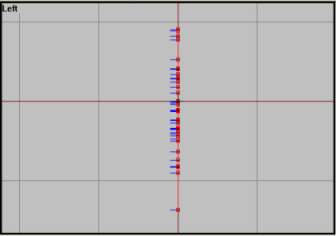
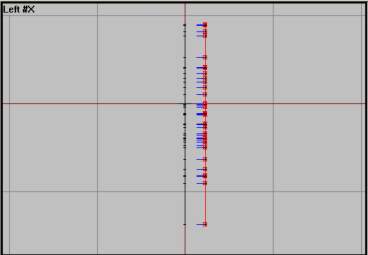
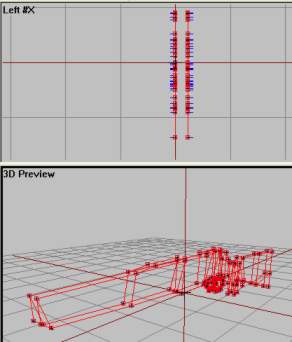
Front and 3d view with both structures selected. Note that here is faceculling turned OFF just to show up everything in a single picture.
Now we must patch the two sides togehter. That means selecting 4 and 4 vertrices and making faces. The easiest way to do so if using the 3d view. The hardest part in this is placing the camera right and selecting the right vertrices. I`ll help you with the first one:
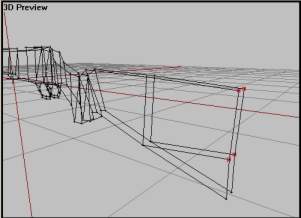
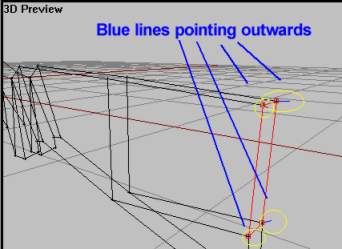
Do the same thing for the whole model! Yes, its hard and boring work, but its really good modelling practice. Make sure to select the right vertrices, its so easy to select the wrong ones if you are in a bad camera position. Use the other views combined with the 3d view as a guide. Afterwards use Bulldozer and the face culling trick in 3d view to look for leaks (faces pointing inwards of missing).
In the end, it should look like this:
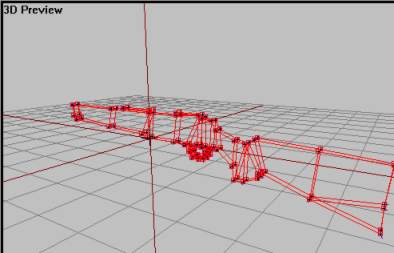
3d view with face culling turned off.
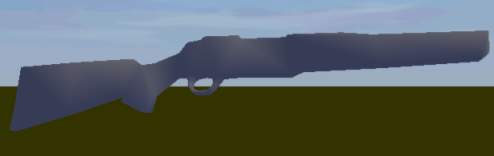
Bulldozer view.
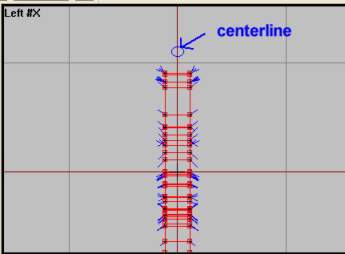
And, yes, one more thing. After you`re done, select the whole thing using Ctrl+A. Then, in left view, lock the x-axis and move the whole shape to the left. Try to place it so that the middle red line on the grid is in the center, like in picture below.
Phew, that was a lot of work, dont you think? Well, im glad to tell you that the hardest bits are over. If you made it so far, you should be fine in the next ones too.
Back__Home__Next