
News / Handsignals Command System V1.1 released
Handsignals Command System V1.1 released
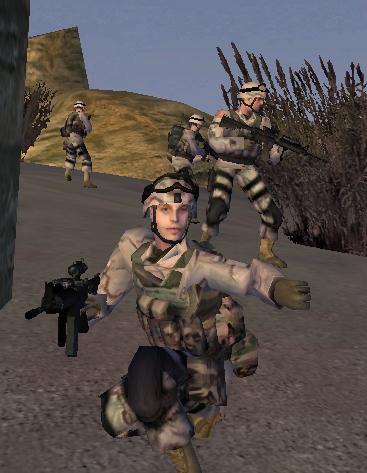
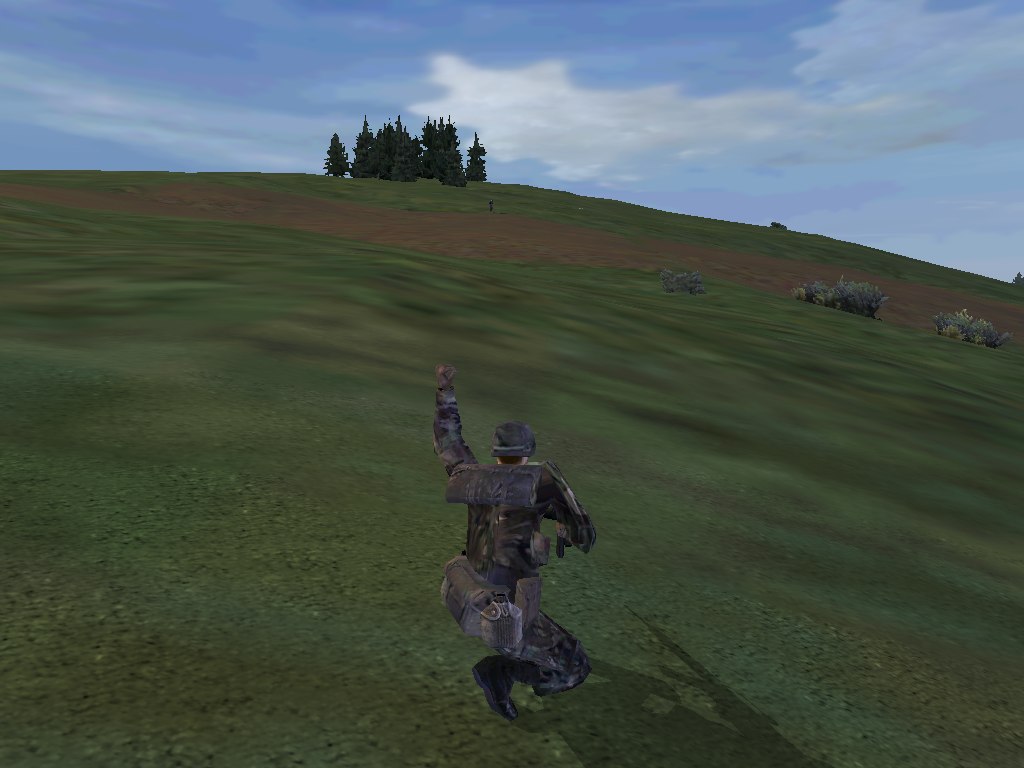
General Barron has released an updated version 1.1 of his impressive Handsignals Command System in the BI Forums. This version allows you to queue orders, and combined with Kegetys’ FWatch utility it allows you now to customize keyboard shortcuts. If you haven’t tried it yet, it’s about time!
Changes from V1.0:
- Added customizable Fwatch keyboard shortcuts
You can now ‘bind’ nearly any key on the keyboard to most orders, and more. For example, you can set it to open the orders dialog when you press the ‘tab’ key; or to order a squad rally when you press the ‘P’ key. See the “GENB_hs_controls.cfg” file for more details. This file must be in your “fwatch\mdb” folder. If it is not there, a default keyboard configuration will be used.
- Orders are now “queued”
You no longer have to wait before selecting another order. Orders will instead be added to a “queue”, and issued in succession (one after another for each order selected).
- Orders menu stays at current menu after issuing orders
For example, select “radio”, then select “watch”. The orders menu will stay in the “radio” menu so you can issue more orders, until you click the “back” button.
- click to exit orders dialog
Clicking the part of the screen left of the orders dialog will now close that dialog. A simple shortcut that some might find useful.
- ECP compatability
Conflicting ECP scripts are now automatically turned off.
Needed: Kegetys’ Fwatch utility V1.0d [350 KB] from FTP#1